Free
0
czk
14 daysczk
Free
Try all PRO features
Access to all 5000+ objects
Test advanced tools
Local project saving
Risk-free for 14 days
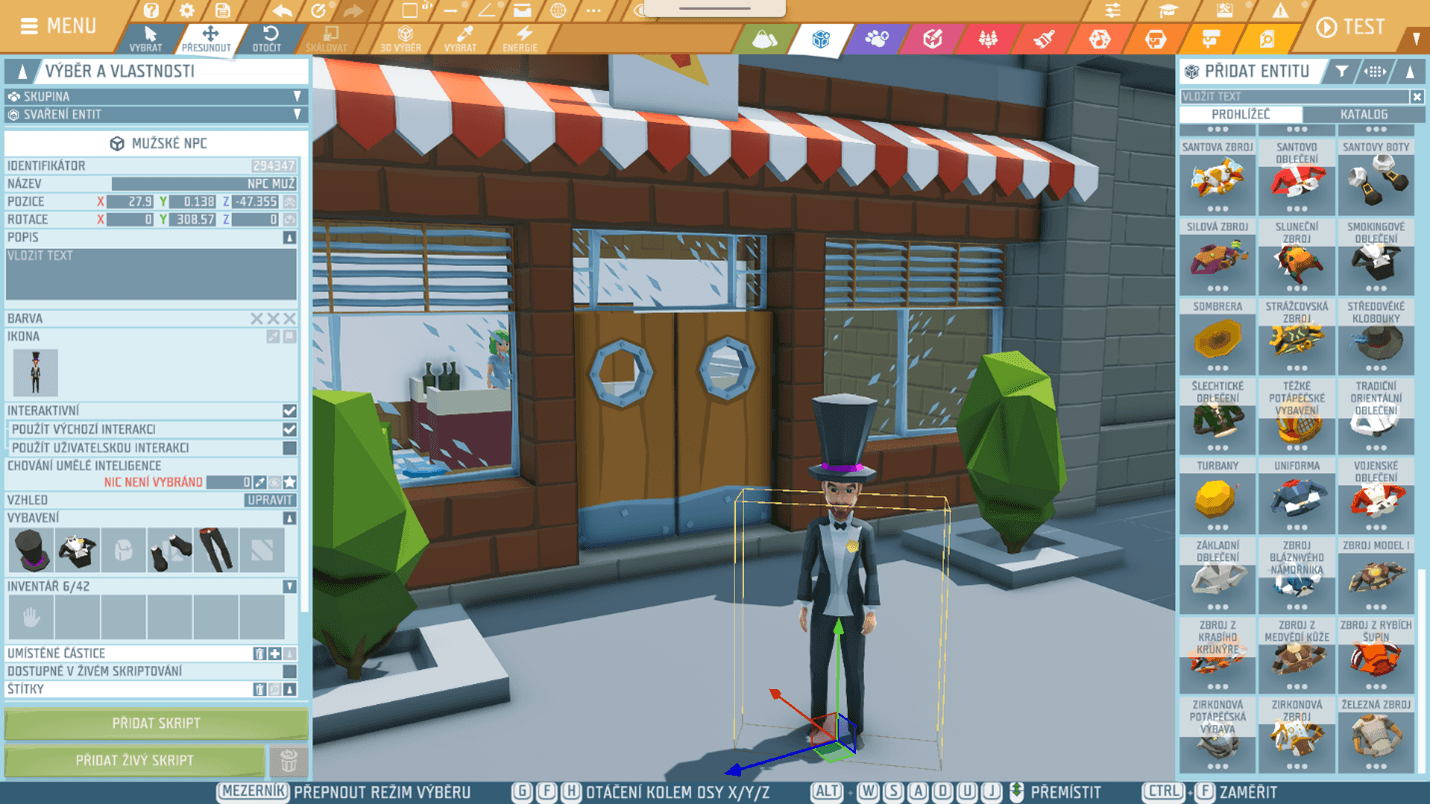
Engu was created in collaboration with Bohemia Interactive (the largest Czech game studio) and Czech education experts. It offers children an environment where they can safely create and learn on projects they truly enjoy — from simple scenes to complete game experiences.




The child tries skills in practice (creation, problem solving, logic).
Digital skills, independence, project thinking, collaboration.
Installation and controls are designed so even less technically experienced parents can get involved.
Children can create simple digital stories and bring their ideas to life so they can be “experienced” in a 3D world.
Use engu for free with your whole family. Upgrade to enable unlimited projects, enhanced parental controls, and additional features.
Engu develops creativity, logical thinking, problem solving, and digital skills. Children create their own game worlds and learn on projects that excite them.
Engu combines game creation, visual scripting, and working in a 3D space — the child learns actively by creating. Plus, you have access anytime, not just at a selected weekly time.
Yes. Engu is designed without open chats and social features. The environment is closed and focused on safe, meaningful creativity.
Children build digital literacy, project-based thinking and fundamentals of game design. These competencies are useful in both IT and creative fields.
It depends on the child’s independence and experience with a PC. It works best when the child can handle basic controls and wants to create with step-by-step guidance.